List View / Grid View
With Voovo, you can view all your flashcards in two ways, depending on what is your goal — to have a quick overview of all your flashcards, or to find a specific one!
There are two ways you can view your flashcards on Voovo - as a list or as a grid. You can switch between which view you want by pressing on the “grid view“ or “list view” text on the upper left corner.
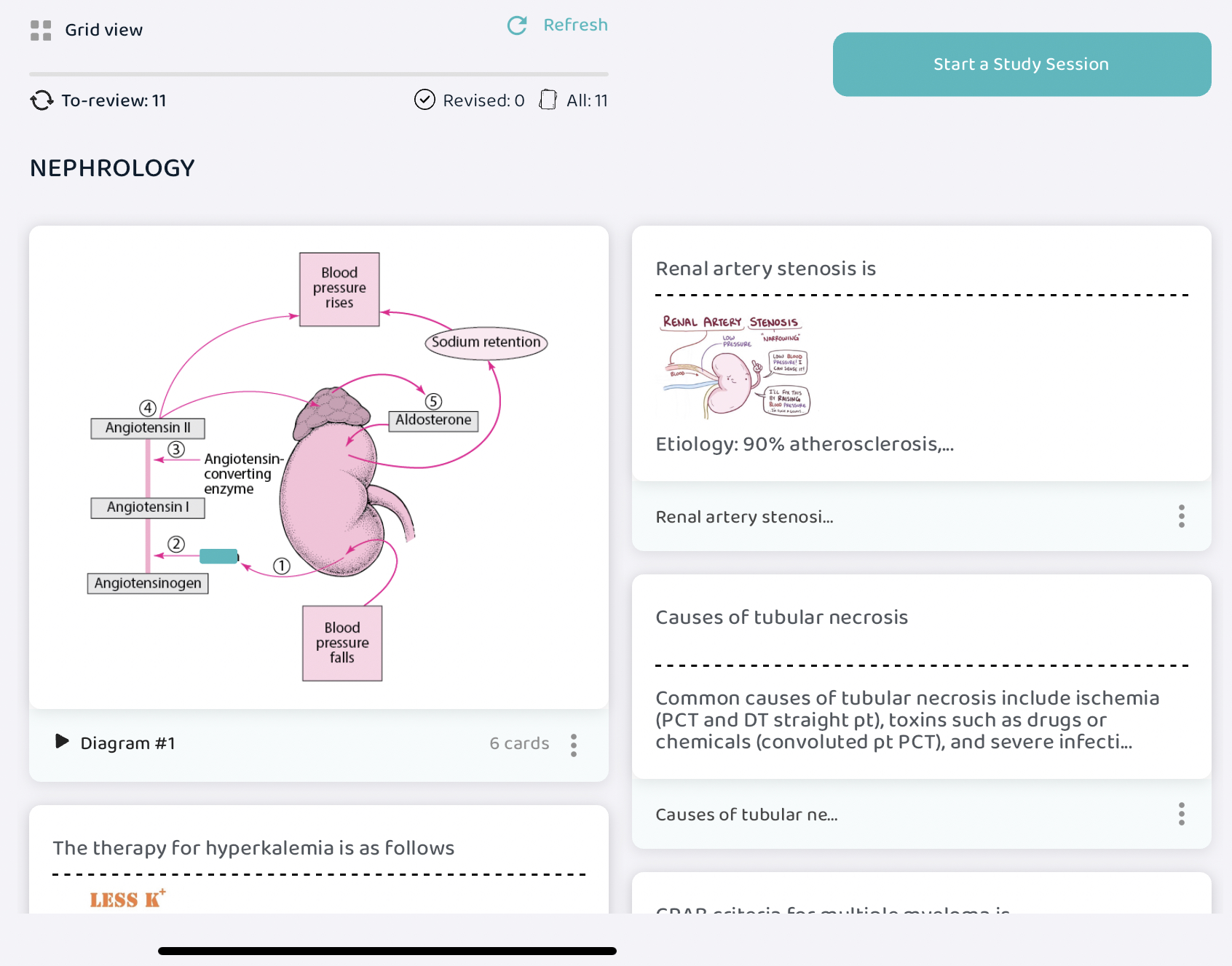
Grid view allows you to have a view of both the front and back side of your flashcards along with any diagrams on them. This comes in handy when you would like to have a bird’s eye view of all your flashcards and their contents in one place. Or you'd like to run through them quickly right before an exam.
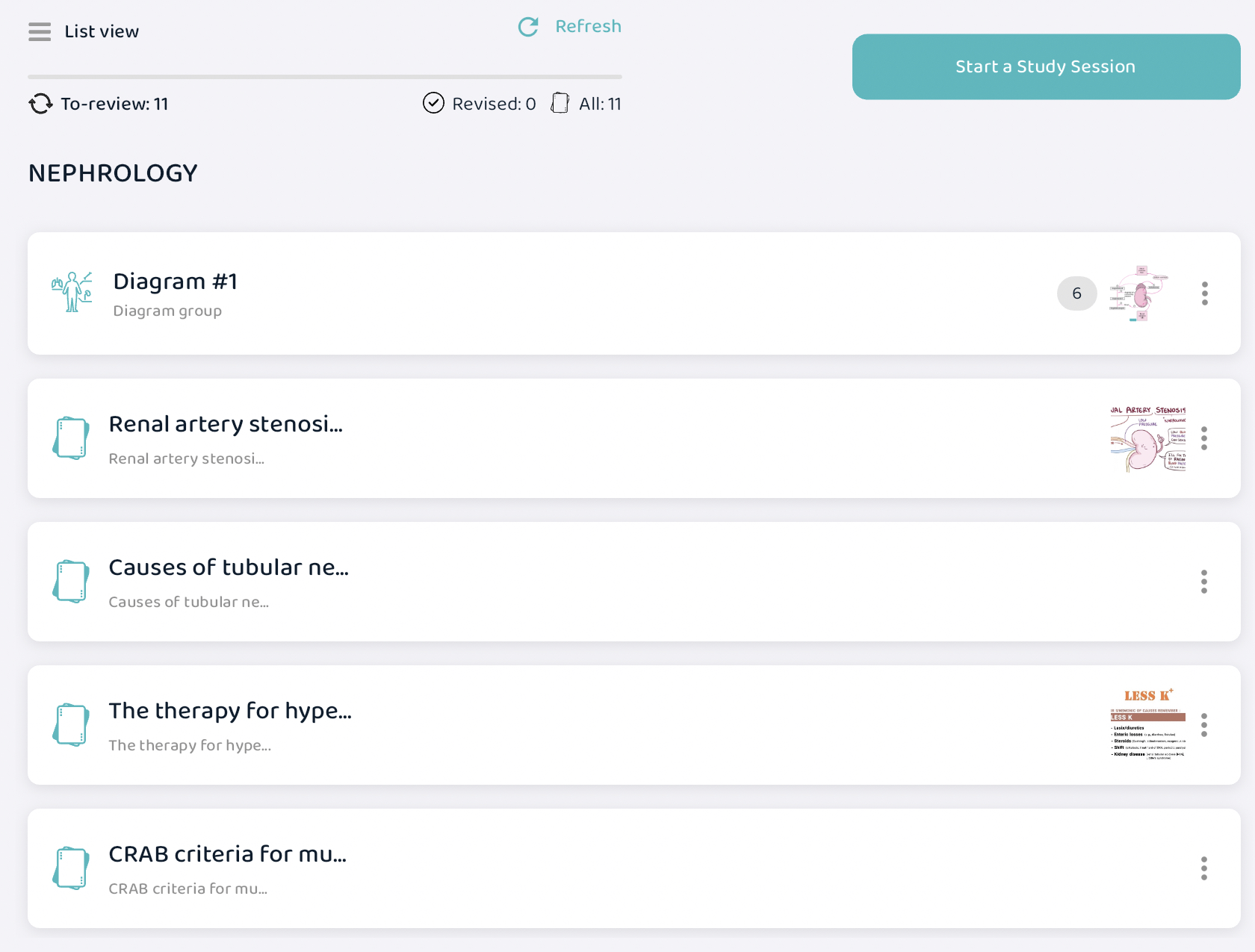
List view displays all your flashcard in a list format with only a segment of both the question and answer visible. This comes in handy when you would like to quickly scroll through all your flashcards in search of a specific card to study.